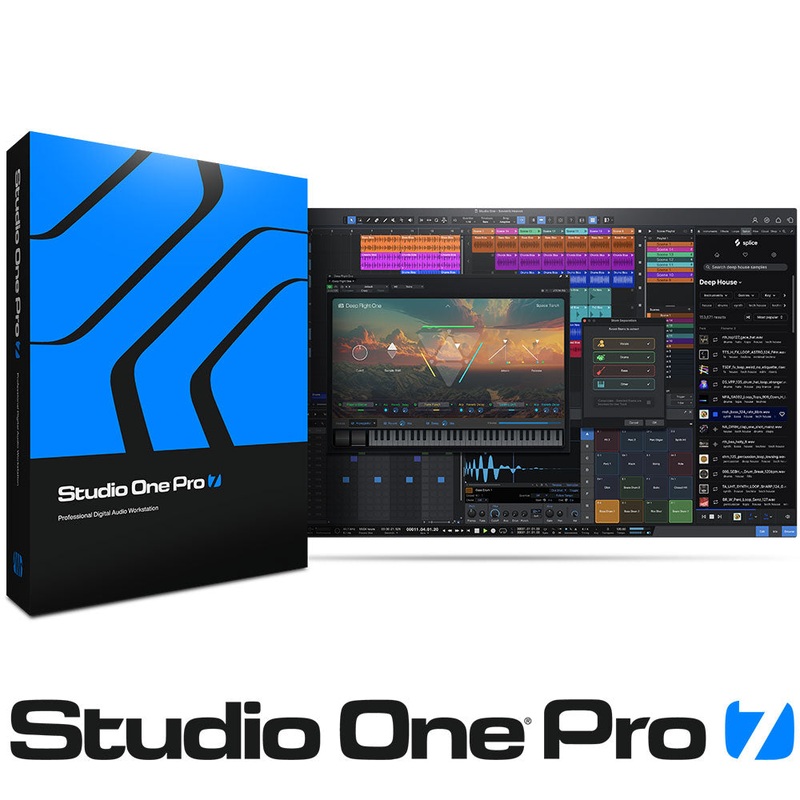
Availability: 7 in stock
Over30 new features and improvements, like fast and intuitive editing and mixing, integrated pattern workflows, time-aligning drums, award-winning notation, and rock-solid live performance.
Access Splices extensive sample library directly in your DAW andSearch with Soundto enjoy thousands offree, hand-picked Splice samplesperfectly synced with your projects beat, key, and tempo.
Dive intoAI-Powered Stem Separation, experiment with theintegrated Launcher, and explore new sonic dimensions withDeep Flight One.
Effortlessly build beats and sculpt your sound withperfectly integrated loop-based production tools.
Part of the Launcherand unique to Studio One Pro 7is the ability to arrange Scenes into Playlists. Like the Arranger Track on the Timeline, Playlists are a quick and easy way to create, edit and test arrangements, and can also be used for live performance.
The Scene Playlist Inspector is located conveniently between Launcher and Browser. Creating Playlists is as easy as dragging Scenes into any order and setting a number of repeats.
Scenes can be set to loop indefinitely until sending a command to continue, which is great for live performance.
The Loop Tool for Pattern Parts is now available for any type of Event or Part. As an alternative to duplicating events, the Loop Tool is a timesaver for intuitive arranging and production.
A new Loop option has been added to the Event/Part context menu. Enabling this option loops the Event or Part to the Song end marker, or to the next Event or Part on the same track, filling empty space.
Often, a session needs to be played in a different key, either temporarily to help the artist recording his/her part, or permanently for creative reasons. In both cases, the new Global Transpose feature, which is part of the Transport Bar, provides a stunningly simple solution.
Thanks to the exceptional quality of the lastique Pro pitch-shifting algorithms used in Studio One Pro 7, both Audio and Instrument Tracks can be transposed in real time, simply by checking which tracks should follow transpose and then entering a (relative) transpose value in the Transport bar.
One of the most highly-requested features, stem separation is now available directly on the Timeline. Powered by AI, the stem separation algorithm in Studio One Pro 7separates a mixed Audio Event into Drums, Bass, Chords and Vocalsand adds these elements to new tracks inside a Folder Track.
As an extra option, the separated Audio Events may be bounced again into a single file. This allows for quick and easy creation of instrumentals (minus vocal) or no-drums versions.
Stem Separation as a technology is still in its infancy, so further performance/quality improvements and feature additions are planned in the near future.
To get the most out of Studio Ones built-in tempo-mapping and time-stretching tools, its crucial to know what the original file tempo is, particularly when importing audio files from different sources.
Editing a virtual drum instrument such as Impact while editing patterns at the same time can be tedious, particularly on a small notebook display. The new in-place editor for Impact providesfull access to all instrument parameters (pads, pad and sample editor controls)without having to open the Impact edit window. The editor is available inside the Pattern and Note Editor windows and lives side-by-side with the pattern and note editing controls.
Studio One Pro 7 provides several new features and enhancements for editing note events in-scale/key. These have been consolidated into a single panel, conveniently located in the Note Editor tool bar.
The Scale feature inside the Note Editor now supports custom user scales, which consists of a scale keyboard for editing and a dedicated preset manager. User scales are shown inside the scale menu, below the preset scales.
Editing note events in scale is now faster and easier than ever with the new “In Scale” visibility filter option. When activated, pitches outside the currently selected scale are hidden, allowing note events to be added, shifted, or copied exclusively within the scale.
A new Loop option has been added to the Event/Part context menu. Enabling this option loops the Event or Part to the Song end marker, or to the next Event or Part on the same track, filling empty space.
Another highly requested feature, Patterns in Melodic mode now offer per-pitch resolution and step count, previously available only in Drum Mode.
When selecting Note Events inside the Note Editor (Piano and Drum views) using the Arrow tool, snapping is disabled to allow for more precise selection. Also, selected Note Events are highlighted immediately when touched (instead of at mouse-release).
Studio One Pro 7 now features next-level tempo detection technologiesbased on deep neural networks and state of the art statistical models.
Tempo detection works for both short loops with a fixed tempo, as well as long free-form recordings with variable tempo. In addition, the sync point of an Audio Event is set to the first downbeat automatically.
Simply right-click on any Audio Event with unknown tempo and select Audio/Detect Tempo. Then locate the File Tempo field in the Event Inspector to read the fixed tempo value if the source file has a fixed tempo, or Map if the audio has variable tempo.
Another popular feature request, theStudio One Browser is now available inside a separate window.Once detached, the Browser window can be resized and moved to a separate monitor if needed.
When searching for Loops inside the Loops tab, tags are automatically filtered based on whats actually available. For example, searching for style Pop will filter the Instrument and Character tags to only whats available in the style Pop.
Numbered items inside the Browser are now displayed with a natural sort order, so Sine 2 comes before Sine 10 as expected.
The Browser’s Loops tab now features an extended list view that provides additional file information. When the window size is increased, it automatically displays length, channel count, sample rate, word length, and a waveform preview.